Getting help with the web
 We have various documentation available for getting help with the web in the School of Social Ecology.
Please see the subjects below:
UCI | School of Social Ecology | Computing Services

We have various documentation available for getting help with the web in the School of Social Ecology.
Please see the subjects below:
Social Ecology is no longer offering poster printing for graduate students due to availability of viable alternatives in and around campus.
Listed below are some suggested alternate poster facilities. Please use these facilities if you require poster printing of any kind.
 You may have received a UCI ZotMail about a flaw that has been discovered in Windows Remote Desktop Services on older Windows machines. Please update your Windows 7 system as soon as possible.
This vulnerability does not require any kind of login, so it can spread very quickly among campus systems. It is vital that anyone on campus using an earlier version of Windows apply the patch as soon as possible.
 MultiFactor Authentication (MFA) is a two-step process that requires both a password and a second verification using a smartphone or a small token device that you carry with you. The University of California is adopting an MFA product called “Duo” and most UC campuses now require it to access institutional resources or soon will.
The campus is expected to transition to DUO MFA by October 15, 2019.
For assitance setting up DUO MFA please visit: https://www.oit.uci.edu/mfa/
Qualtrics is a robust online survey-building tool that is highly customizable and easy to use. With the Qualtrics Research Core, you are able to build and distribute your survey, analyze and report on your results, and collaborate in real-time in an easy to navigate web-based interface.
Qualtrics enterprise licensing is funded through campus partnerships, and is available free of charge to UCI users. All current UCI faculty, staff, and students can access this powerful tool at no cost.
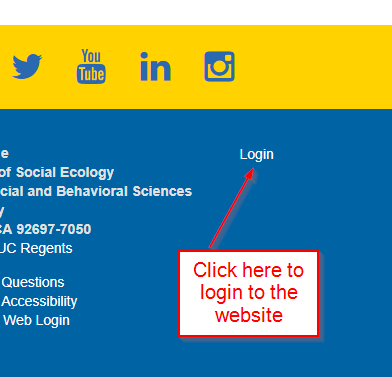
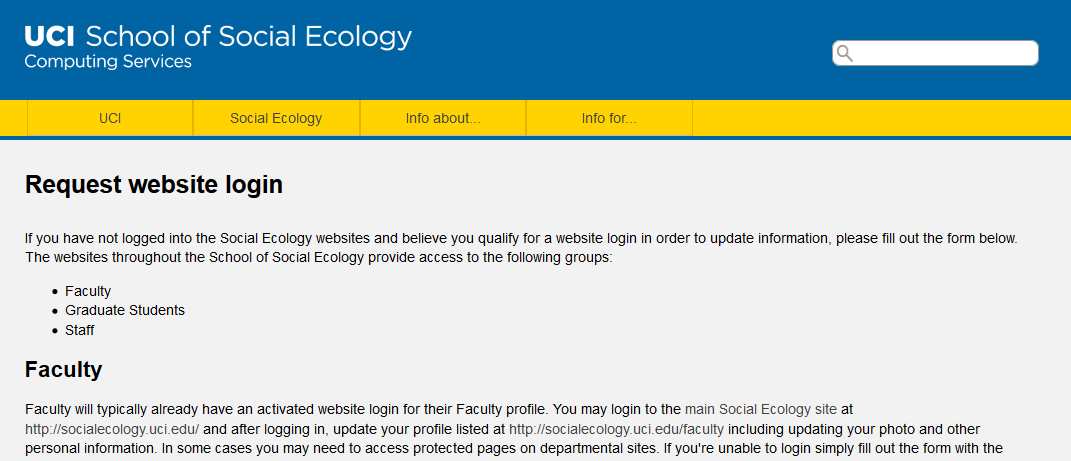
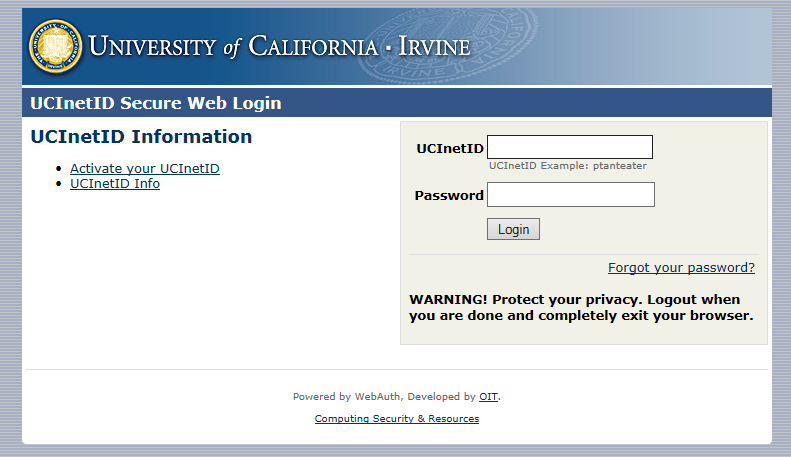 Within the School of Social Ecology you may need to login to various websites for the purpose of editing pages, editing your faculty profile information, editing your graduate student profile information and access restricted pages on our intranet. In order to login to any site you must have a registered and approved account. You can request a website login using the form at the Computing Services website located at http://computing.soceco.uci.edu/webforms/request-website-login and submit your information for account approval.
If you have not logged into the Social Ecology websites and believe you qualify for a website login in order to update information, please fill out the form below. The websites throughout the School of Social Ecology provide access to the following groups:
 Turnitin.com is a web-based plagiarism prevention and detection tool. Student work is checked against a database for any matches between submitted papers and any internet content or previously submitted work. If you are an instructor considering using Turnitin, contact Jennifer Brantley for instructions on setting up an account for your class.